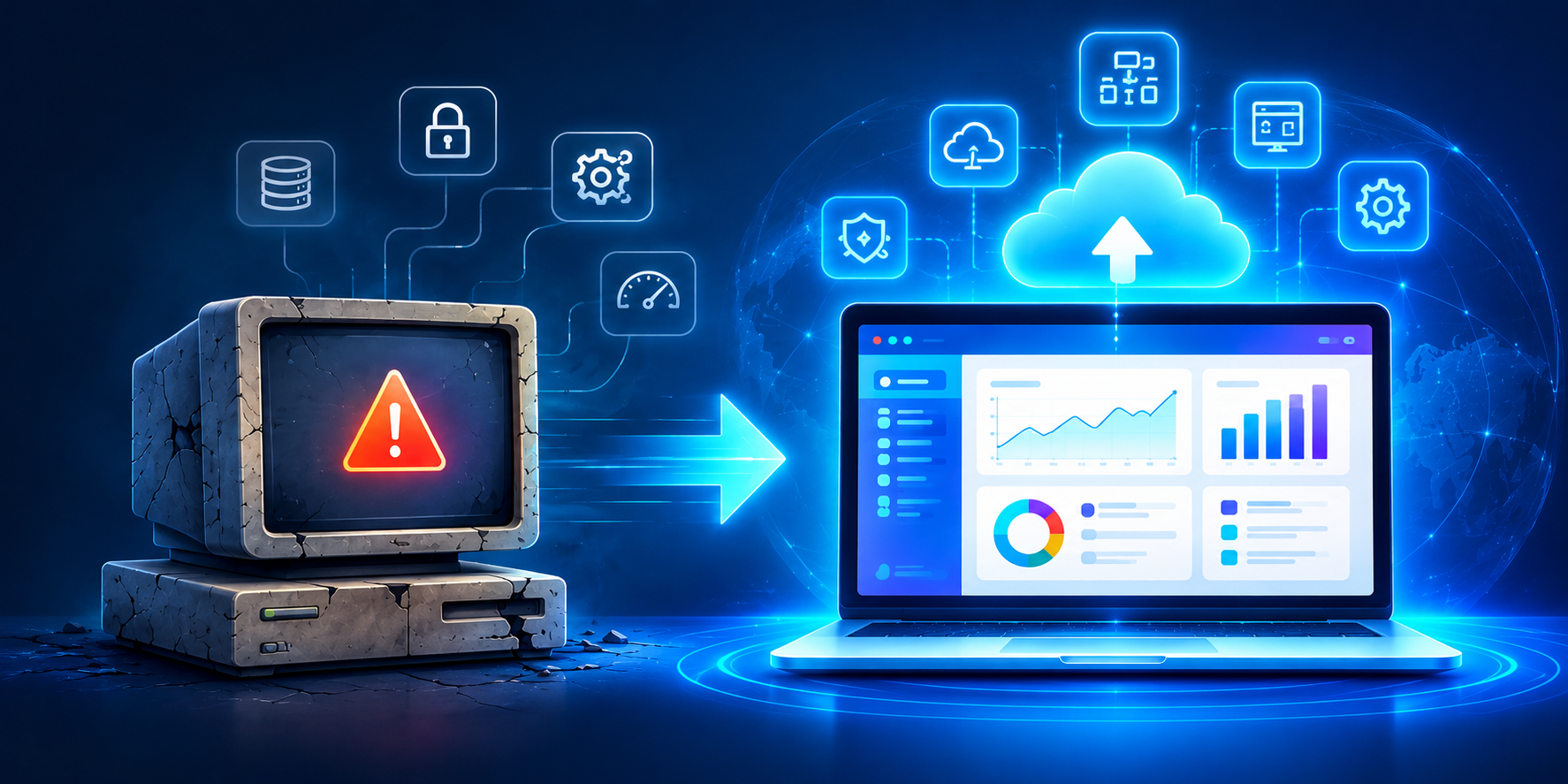
It’s time for legacy system modernization when your software regularly crashes or slows under normal load, your team relies on manual workarounds to compensate for missing features, security patches are no longer available, your system can’t integrate with modern tools via APIs, hiring developers who understand the old tech stack is increasingly difficult, every new feature takes disproportionately long to build, and maintenance costs keep climbing year over year. Any one of these is a warning sign — three or more means modernization isn’t optional anymore.
Most businesses don’t decide to modernize their legacy systems. They get forced into it — usually after a critical outage, a failed audit, or a security breach that could have been prevented. The problem is that legacy system decay is gradual. Nobody wakes up one day to a broken system; it erodes slowly enough that teams normalize the pain until it becomes an emergency.
Here are the seven warning signs that consistently show up before a legacy system becomes a genuine business risk — and what each one is actually costing you.
1. The System Regularly Crashes or Slows Under Normal Load
If your software struggles during routine business hours — not just peak season — that’s not a minor annoyance, it’s an architecture problem. Legacy systems are typically built on monolithic architectures that process everything sequentially, meaning they can’t take advantage of modern parallel processing or elastic cloud scaling. As transaction volumes grow, performance degrades in a way that simply adding more hardware won’t fix.
What it’s costing you: Lost productivity, frustrated employees, and — if customer-facing — lost revenue every time the system slows or goes down.
2. Your Team Relies on Manual Workarounds
When employees keep a “shadow process” running alongside the official system — spreadsheets to track what the software can’t, manual double-entry between disconnected tools, workarounds passed down informally from employee to employee — that’s a clear sign the system no longer fits how the business actually operates.
What it’s costing you: Workarounds introduce human error, create single points of failure when the one person who “knows the trick” leaves, and consume hours that should go toward higher-value work.
3. Security Patches Are No Longer Available
Older systems built on outdated frameworks, unsupported databases, or discontinued platforms eventually stop receiving vendor security updates entirely. At that point, every known vulnerability becomes permanent, and every new vulnerability discovered afterward stays open indefinitely.
What it’s costing you: This is the single highest-risk item on this list. Unpatched legacy systems are consistently among the most common entry points for data breaches, and the cost of a breach almost always outweighs the cost of modernization.
4. The System Can’t Integrate With Modern Tools
If connecting your core software to a new CRM, payment processor, analytics platform, or mobile app requires manual data exports, custom one-off scripts, or simply isn’t possible at all, your legacy system is functioning as an isolated island rather than part of a connected tech stack.
What it’s costing you: Missed opportunities for automation, duplicated data entry across disconnected systems, and an inability to adopt new tools your competitors are already using.
5. Finding Developers Who Understand the Tech Stack Is Getting Harder
Systems built on aging languages or frameworks face a shrinking talent pool every year. Fewer developers are trained on legacy technologies, which means hiring takes longer, contractor rates climb, and institutional knowledge becomes concentrated in one or two people who are increasingly hard to replace.
What it’s costing you: Rising labor costs, slower hiring cycles, and dangerous dependency on a small number of specialists who could leave at any time.
6. Every New Feature Takes Disproportionately Long to Build
In a healthy modern system, adding a reasonably scoped feature should take days or weeks. In a legacy system carrying years of technical debt, the same feature can take months — because every change risks breaking tightly coupled, poorly documented code elsewhere in the system.
What it’s costing you: Slower time-to-market, an inability to respond to competitive pressure, and mounting frustration from stakeholders who don’t understand why “simple” requests take so long.
7. Maintenance Costs Keep Climbing Every Year
This is the clearest financial signal. When the annual cost of keeping an old system alive — licensing, specialized contractor rates, emergency fixes, workaround tooling — starts approaching or exceeding what a modernization project would cost, you’re no longer saving money by staying put. You’re just delaying and compounding the expense.
What it’s costing you: A shrinking ROI on your own infrastructure, with the gap between “cost to maintain” and “cost to modernize” narrowing every year you wait.
How Many Signs Does It Take Before You Should Act?
| Number of Signs Present | What It Typically Means |
|---|---|
| 1 sign | Monitor closely, plan for eventual modernization |
| 2–3 signs | Modernization should be on your roadmap this year |
| 4+ signs | Modernization is urgent — risk is actively compounding |
| Security patches unavailable (sign #3) | Treat as urgent regardless of other signs present |
What Legacy System Modernization Actually Involves
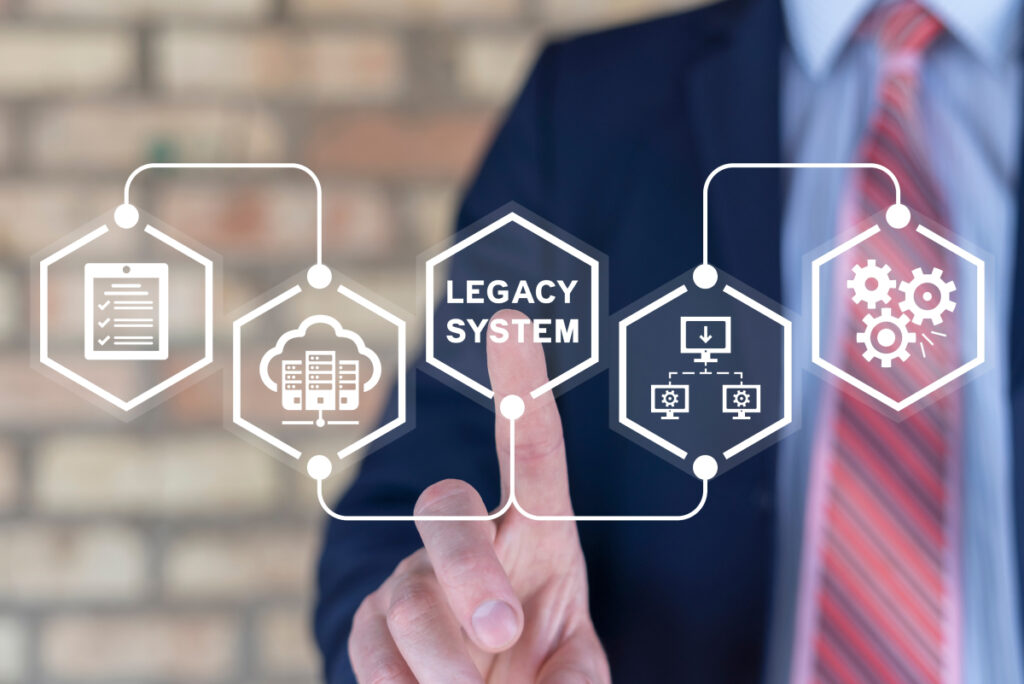
Modernization isn’t always a full “rip and replace.” Depending on the audit findings, it typically takes one of these forms:
- Cloud migration & rehosting — lifting and shifting existing applications to scalable, cost-effective cloud environments with minimal disruption
- Application re-architecting — breaking down monolithic software into flexible, independently deployable microservices
- UI/UX modernization — replacing outdated, clunky interfaces with modern, responsive designs that improve adoption
- API enablement — building secure APIs so legacy data can finally connect with modern third-party tools
- Code refactoring & optimization — cleaning up accumulated technical debt and closing unpatched security vulnerabilities
The right approach depends on a proper technical audit — not a guess. A rushed “rebuild everything” approach is often riskier than the legacy system itself, which is why a phased, tested migration matters more than speed.
Final Takeaway
Legacy systems rarely fail all at once — they degrade gradually until the cost of staying put quietly exceeds the cost of upgrading. If you recognized two or more of these seven warning signs in your own systems, that’s not a coincidence; it’s a pattern, and it’s worth a proper technical audit before the next outage, breach, or missed deadline forces the decision for you.
Deutics helps businesses modernize aging, monolithic software into secure, scalable architectures without disrupting day-to-day operations — through legacy system modernization built on a risk-averse, zero-downtime migration process, phased around a full technical audit of your existing systems.
Frequently Asked Questions
1. How do I know if my system needs legacy modernization? Common warning signs include frequent crashes under normal load, reliance on manual workarounds, unavailable security patches, poor integration with modern tools, difficulty hiring developers for the tech stack, slow feature development, and rising annual maintenance costs. Two or more of these signs typically indicate modernization should be prioritized.
2. Does legacy system modernization always mean rebuilding from scratch? No. Modernization can take several forms depending on a technical audit, including cloud rehosting, breaking a monolith into microservices, UI/UX updates, API enablement, or targeted code refactoring. A full rebuild is only one option among several, and usually not the first choice.
3. How much does legacy system modernization cost? Cost varies significantly based on system complexity, the chosen modernization approach, and the scope of data migration involved. However, most businesses find that ongoing maintenance costs for an aging system eventually exceed the cost of a properly planned modernization project.
4. Is legacy system modernization risky for business operations? It carries risk if done carelessly, but a properly managed modernization process — including a full technical audit, phased execution, and parallel runs of old and new systems before switchover — is designed specifically to avoid downtime and protect data integrity.
5. What happens if I delay legacy system modernization too long? Delaying typically compounds the problem: security vulnerabilities remain unpatched, maintenance costs continue rising, technical debt accumulates further, and the eventual modernization project becomes more complex and expensive than if it had been addressed earlier.